Dropbox Review

March 16th, 2013 | Upload Download - (1 Comments)
dropbox  Share files

This dropbox review takes a closer look at the services that dropbox cloud storage service has to offer and suggests 3 must use tips on how to efficiently use dropbox. I’ve already blogged on how you can share multiple files easily using dropbox. I’ve already compared dropbox and the newest kid in block, in cloud sharing, wetransfer. I’ve yet to review drop box. It’s about time I did. Caveat: I don’t work for dropbox and I’m not getting paid to write this review. I’ve used the service extensively, over the last two years, to share files with my transcription clients. … on the edge of your seat? Click here for more!

FA Featured Article Lite

I enjoy coding. That’s why I love WordPress, and learning something new everyday is an added bonus. Recently, I’ve been working on a project to implement interactive transcripts to videos. This is a feature that our clients would appreciate. Anyway, there was an hurdle in implementing interactive transcripts into a WordPress blog and I turned to the WordPress Shortcode API to find a solution. What I realized was that the WordPress Shortcode API is very easy to learn and work with. And although it didn’t provide a simple solution to the problem I had with the interactive transcripts project, I … on the edge of your seat? Click here for more!

Sheldon plays bongos

Finally, I’ve been meaning to add an interactive transcript to my video blog for quite a while now. Interactive transcript is a really cool feature that allows you to go to any section of a video or audio by clicking on text. In essence, it allows you to interact with the video. You can move to any section in the video by simply clicking the transcript. Try it out and let me know what you think. In The Big Bang Theory Season 06 Episode 2-The Decoupling Fluctuation, Penny and Amy are helping Bernadette catalog her wedding presents (the inappropriate gravy … on the edge of your seat? Click here for more!

dropbox  Share files

A while back I wrote a guide on using Dropbox to share files. There are other ways to store and share files over the net. Torrent files are rarely used but are a great way to share files, especially very large ones. WeTransfer is another great way to share files. There are other online services that I use to share and store files. Today I’d like to review two of them, WeTransfer vs Dropbox and offer suggestions on when you should use them. These sites offer free and paid services, for now I’ll restrict my review to the free services … on the edge of your seat? Click here for more!

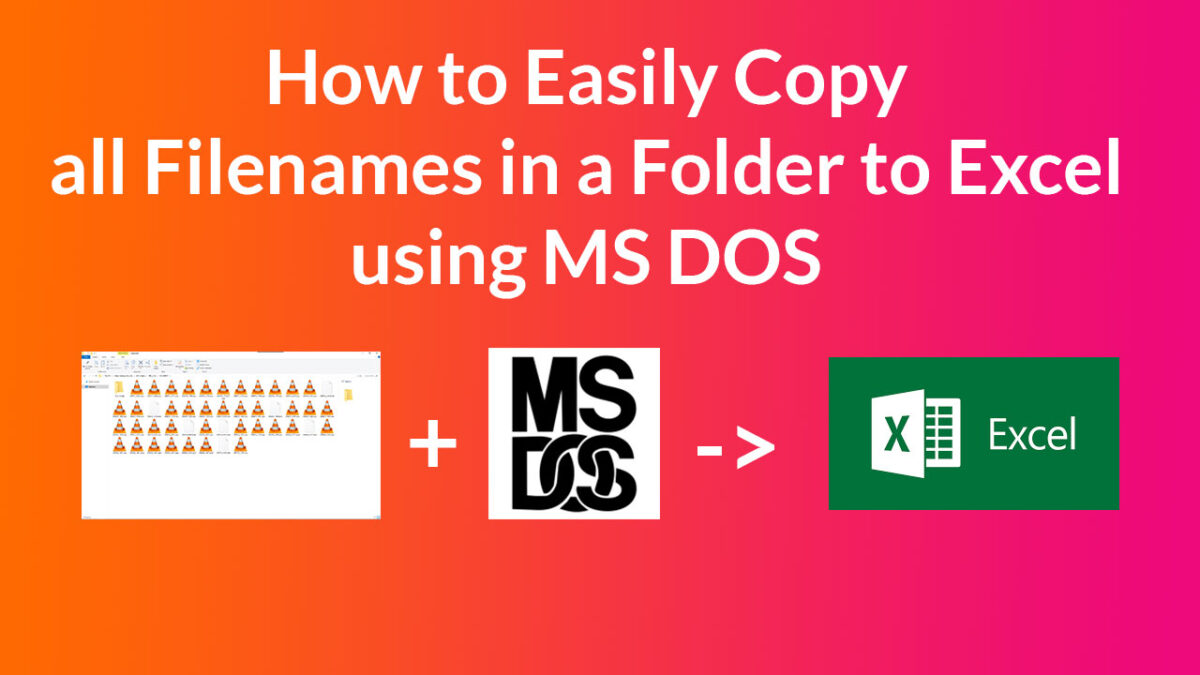
Use MS Dos to save filenames in a folder.

Do you work with a lot of files? I do. And it’s hard and tedious to keep everything organized. Currently we’re transcribing over 200 files for a client and an easy way to keep tabs on each file as it goes through our workflow is by using an Excel sheet. With over 200 files, it’s very tedious to copy and paste each filename into an Excel sheet. Fortunately there is an easy way to do this using MS DOS. Why would you want to use MS DOS? If you’re as old as I am: nostalgia.  Its takes me back to … on the edge of your seat? Click here for more!

FA Featured Article Lite

Do you wish to change the order by which your WordPress posts or post excerpts are displayed? You’re not alone! If you write your posts in a chronological manner, you do want to change the default WordPress post order from descending (new to old) to ascending (old to new).  How do you achieve this? By the way if you’re looking for a really good web host, try Bluehost – I found the setup procedure and their control panel very easy to adapt to and their IT team is awesome! Changing WordPress Post Order Method 1: Use a Plugin. There are … on the edge of your seat? Click here for more!

FA Featured Article Lite

In my last post, I showed you how to change the post excerpt length in WordPress. Today I’d like to share with you how you can easily change the read more link to something less ubiquitous. For instance, “…are you eager to read more?” or “…click here to read the rest of the post”… you can even add an image or HTML character entities/extended characters. Try this ‘« « « «’ Here are two easy ways to customize your WordPress read more link. If you’re looking for a really good web host for your blog, try Bluehost – I found … on the edge of your seat? Click here for more!

FA Featured Article Lite

If you blog frequently using WordPress, you probably have a landing page from which your readers can easily see an excerpt of your post. By default the post excerpt length is set to 55 characters in WordPress. You may want to increase or decrease this post length for various reasons. Personally I find 55 characters to be too short for a reader to judge if they wish to read the whole post. But I know bloggers that write great one-liners (max 20 characters) that “wet your appetite.” If you are one of them, you may want to change the excerpt … on the edge of your seat? Click here for more!

dropbox  Share files

You have a number of files that you’d like to share with your friends and family. The files could be a photo album of your wedding or a 30 minute video clip of your summer vacation. Unfortunately they are too large to attach to an email or too many. There are a lot of cloud storage services out there that you can you. But from my experience, Dropbox beats them all (and I have tried quite a few). Dropbox is a free service that allows you to easily share your files with friends.  I use Dropbox to get clients audio … on the edge of your seat? Click here for more!

YouTube Subtitling and Captioning services

There are two ways to manipulate the position of subtitles on over 1.6 million videos that have been uploaded on YouTube with subtitles. (Oh, and the 135 Million that have been automatically captioned by Google). As a viewer you have the option of dragging the captions to any part of the screen. As a channel owner, you’re now able to set the position of the manual subtitles that you upload with your videos. Let me get into details. How to Set the Position of Subtitles while Viewing a YouTube Video You need to first click on the red CC button red … on the edge of your seat? Click here for more!